1. Home
  2. Features
  3. DNC and quiet hours

DNC and quiet hours

Quiet hours per lead, and an internal do-not-call list

Before a call is placed, two gates run automatically: the lead's local calling window, computed from the phone's area code and time zone, and the internal do-not-call list. Both are enforced per lead, per attempt, with the skip written into the session record. They support the policy you configure. They do not make any call lawful.

How it works.

4 steps, in the order they happen during a session.

Use ← → to step through.

Arrow keys move between steps. Lettered spots on the picture match the list under it.

The specifics.

What the product does today. Plans from $29 per seat. Breeze, $29, is everything faster: continuous dialing and call notes. Three lines are Jetstream, $49.

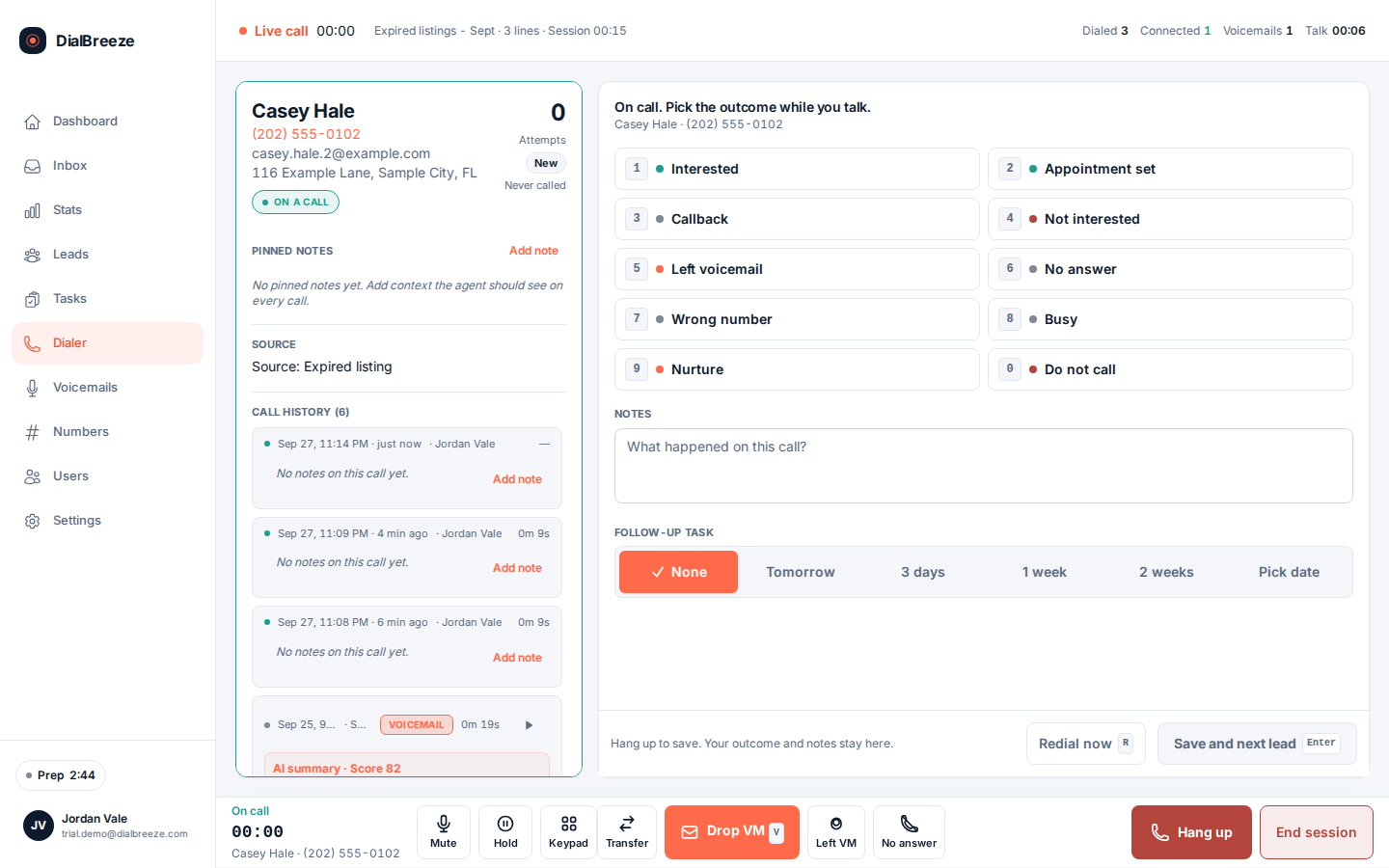
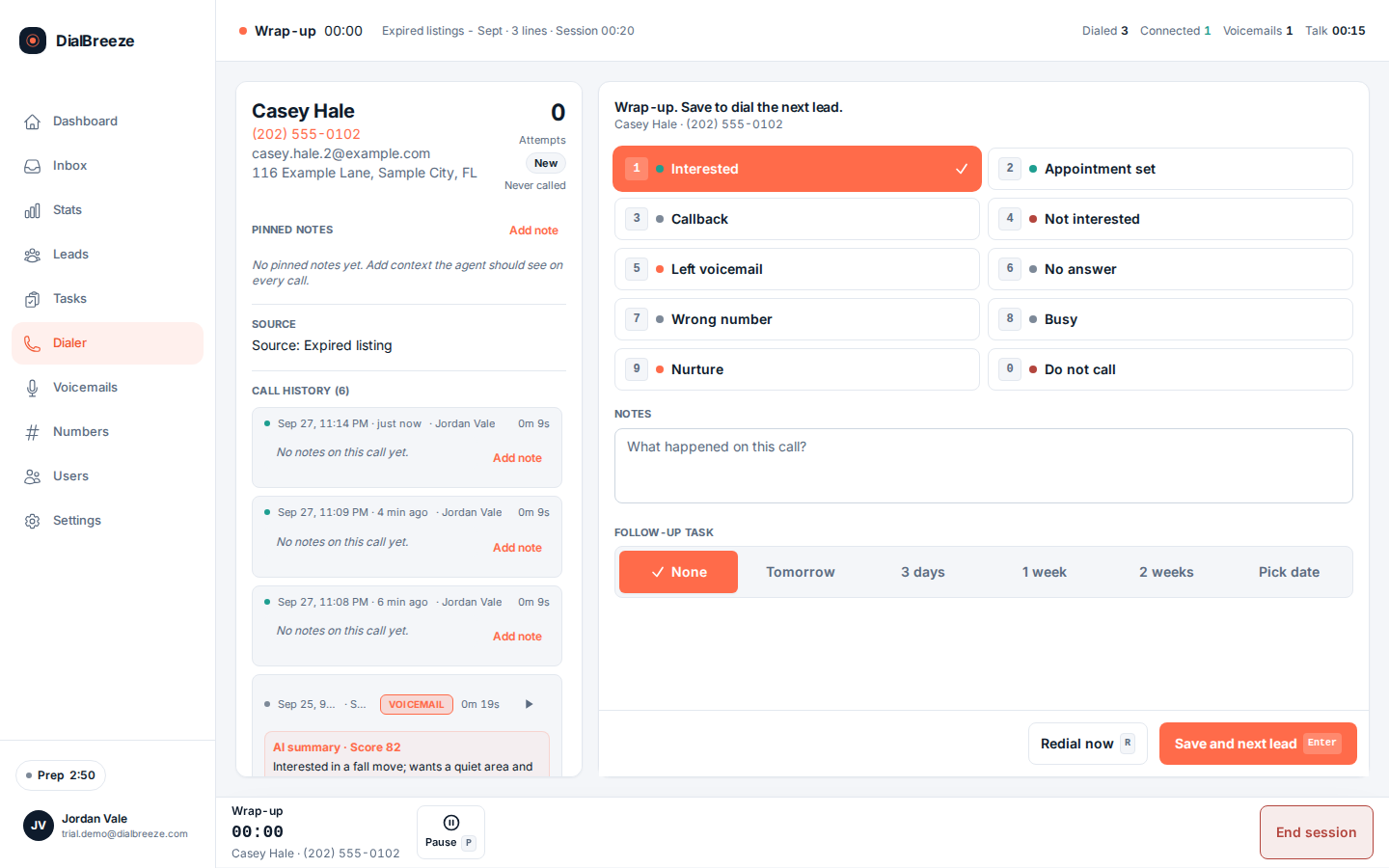
Disposition panel with the do-not-call outcome selected while the operator wraps up a call
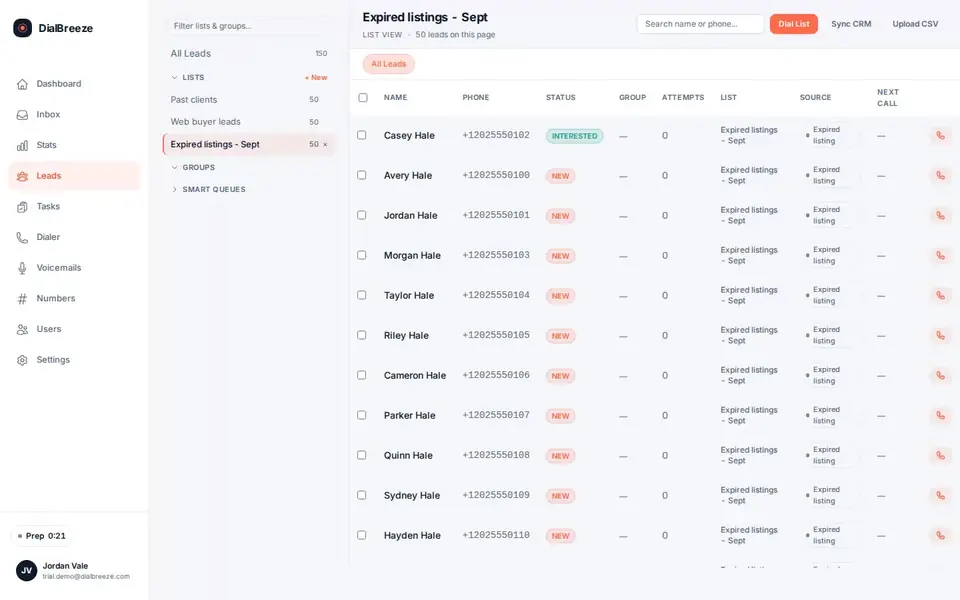
Real product interface, sample data.
Default window
8 AM to 8 PM in the lead's local time; settings can narrow the window, not widen it.
Time zone source
US and Canadian area codes mapped to IANA time zones for each number.
Unresolvable numbers
A number whose time zone cannot be resolved is skipped, not dialed on your clock.
Internal DNC
A stop request marks the lead do-not-call, and selection gates exclude DNC leads.
Skip reasons
Quiet hours, unresolvable time zone, invalid phone, attempt cap, DNC, engaged.
Your duty
Registry scrubbing and permission review stay with your business.

Per-lead quiet hours, not office hours

Quiet hours are checked against the lead's phone, not your wall clock. Each number's area code maps to an IANA time zone, the lead's local hour is computed, and the dialer skips anyone outside the configured window. The default calling window is 8am to 8pm in the called number's local time; you set your own hours in settings. Edge cases get the conservative treatment. A number whose area code cannot be resolved to a time zone is skipped as unresolvable rather than dialed on your local time. An invalid number is skipped at selection. Each skip is recorded with its reason, so an auditor, or you next week, can see why a lead was never called. This is a calling-hours control. It is not a statement that your campaign, your list or your consent basis is lawful; those judgments belong to your business.

The stop-request path

When someone asks you to stop calling, the operator sets the do-not-call outcome during wrap-up. That marks the lead DNC, and the dialer's hard selection gates, the DNC flag and the DNC table, exclude the lead from every later queue. A stop request does not belong in an ordinary callback status, and the workflow steers the operator to the right one. The internal DNC list is yours, built from your calls. It is separate from federal or state registry obligations, which stay with your business: registry scrubbing, permission evidence and list eligibility happen before a list is ever released. The product enforces the internal stops you record; it does not substitute its list for your legal review. Neither control is a compliance certification. Saying so would be dishonest, so it is not said.

Questions about dnc and quiet hours.

Straight answers. Anything else: email support.

Does DialBreeze make my calling compliant?
No, and no honest vendor would claim that. The product enforces the policy you configure: per-lead quiet hours, the internal DNC list and attempt caps. Your business owns list eligibility, consent records, registry scrubbing, recording decisions and everything else the law asks of you. This feature helps you run your compliance program; it is not a certification, and none of this is legal advice.
How are quiet hours decided?
Each lead's area code maps to an IANA time zone, the local hour is computed before dialing, and anyone outside the window is skipped with the reason recorded. The default calling window is 8am to 8pm in the called number's local time; you set your own hours in settings. A number whose time zone cannot be resolved is skipped as unresolvable rather than dialed on your office clock.
How does someone get on the DNC list?
Through your calls. When a person asks you to stop, the operator sets the do-not-call outcome in wrap-up, the lead is marked DNC, and the dialer's selection gates exclude it from later queues. The internal list is built from your own call activity. Federal and state registry obligations are separate and stay with your business.
Can I limit attempts per lead?
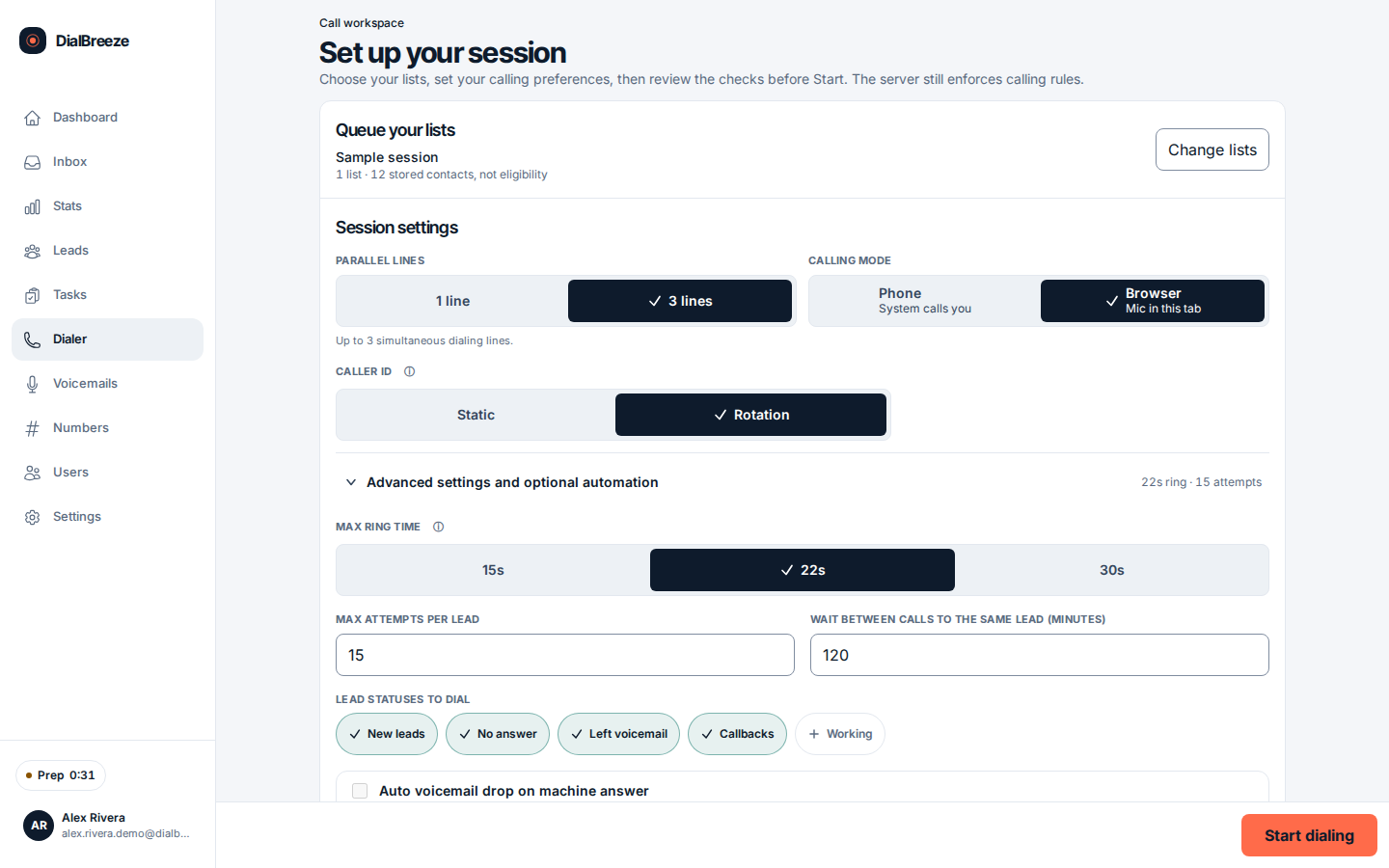
Yes. The product stops at 2 calls to one number in any rolling 24 hours, and at 15 per lead, ever. Each capped number is skipped with a recorded reason. Ring timeout is 15 to 120 seconds.
What if a lead's time zone cannot be determined?
The lead is skipped with the reason unresolvable time zone, conservatively, rather than dialed on your local time. The skip appears in the session record so you can review those numbers and fix the data. The same conservative gate applies to invalid phone numbers at selection.

Try it on a real session.

Pick your plan and seats, check out, then set your password from the set-password email. Calling credit is optional at checkout, but you need credit to dial. Add it any time from your dashboard. Month to month. Pick your plan and seats, check out, then set your password from the set-password email. Calling credit is optional at checkout, but you need credit to dial. Add it any time from your dashboard.

Get startedPricing