1. Home
  2. Features
  3. Power dialer

Power dialer

A browser power dialer with three lines and a human on every call

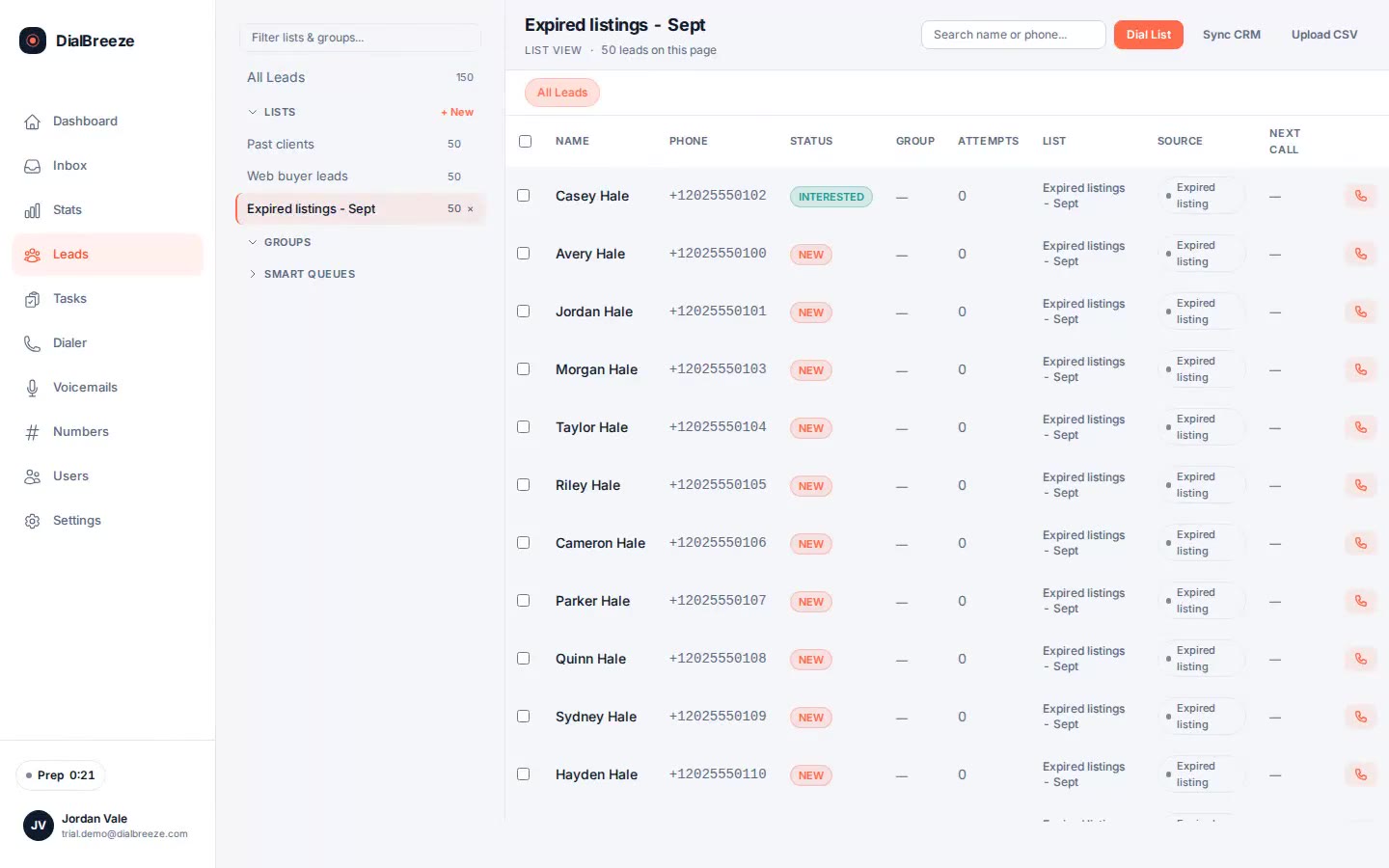
You pick the list, set your line count and attempt cap, and press start. The dialer works the queue, skips leads outside their local calling window, and puts live answers in your headset. You have every conversation, save the outcome, and move on while the dialer keeps dialing.

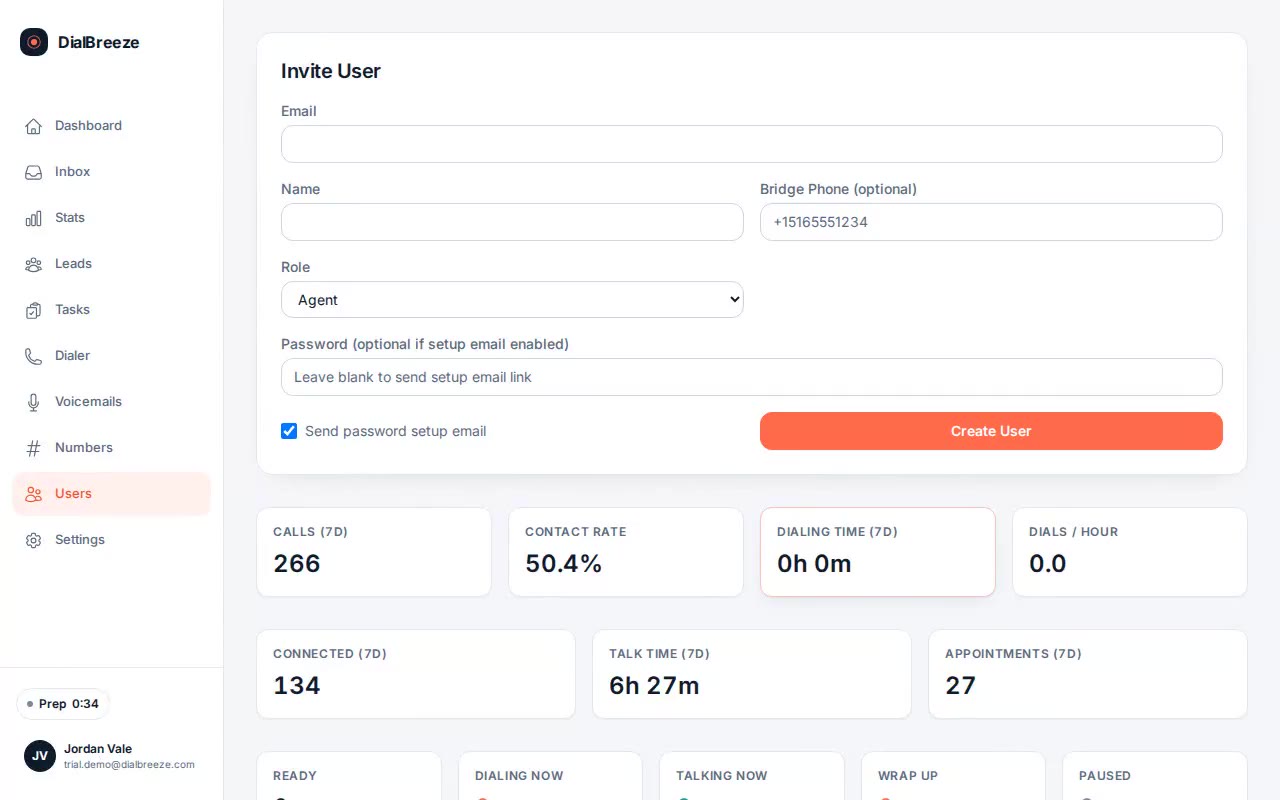
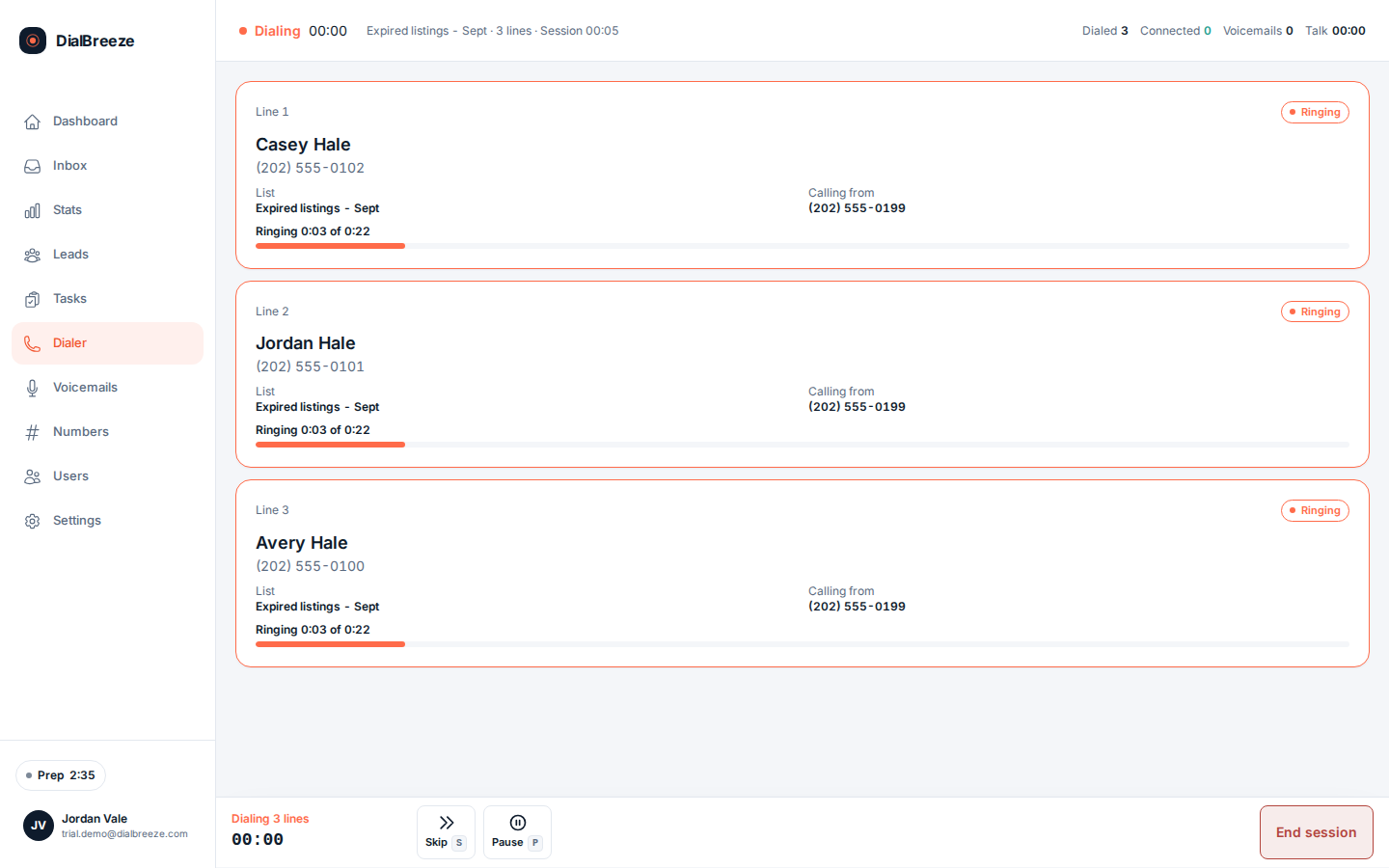
Real product interface. Sample data, fictional people and numbers.

How it works.

4 steps, in the order they happen during a session.

  1. 1

    Configure the session

    Choose lists, lead statuses and ponds, one to three parallel lines, and an attempt cap from 1 to 100. Ring timeout runs 10 to 120 seconds. The session obeys the policy you set before the first call goes out.

  2. 2

    The dialer works the queue

    Calls go out over your own Telnyx account with browser audio. Leads outside quiet hours, on the internal DNC list, past attempt caps, or with invalid numbers are skipped, each with a recorded reason.

  3. 3

    You take the person

    A live answer connects to your headset in the browser, with lead context beside the call controls. Dropped lines can play your recorded disconnect message while you finish the conversation you took.

  4. 4

    Wrap up, then dial on

    Set one of ten outcomes with a number key, write the note, create the follow-up task. New attempts wait for your wrap-up, then the session resumes dialing without you touching the keypad.

The specifics.

What the product does today. Included on every plan, from Solo at $49 per seat.

Dialer screen with three call lanes: one ringing, one machine answer, and one connected lead with disposition hotkeys
Real product interface, sample data.
Concurrent lines
Up to three simultaneous calls per operator, chosen per session.
Attempt caps
One to one hundred attempts per lead, set before the session starts.
Skip reasons
Quiet hours, unresolvable time zone, invalid phone, attempt cap, DNC, engaged.
Outcome hotkeys
Ten outcomes on number keys, from interested through do not call.
Wrap-up pause
New attempts wait while you finish the disposition, then resume automatically.
Your carrier
Your own Telnyx account places and bills the calls. No per-dial software charge.
Measured pace
Median about 85 dials per active hour over 90 days, measured in production use.

What a power dialer actually does

A power dialer works a list of numbers and moves between calls so you spend the day talking instead of dialing. DialBreeze runs in a browser tab. You wear a headset, take the answers, and set outcomes on hotkeys while the software keeps the queue moving.

Up to three calls can ring at once for one operator. The point is fewer minutes lost to ringback and unanswered attempts, since several unanswered calls can overlap without competing for you. A limit on lines is capacity, not a promise that every answer will wait politely. You still need a policy for two answers close together.

The pace is bounded. Over 90 days of production use with three-line sessions and one operator, the median was about 85 dials per active hour, with a p90 around 134 and about 600 dials per operator day. That is measured in production use, not a promise. Your list, connect rate and wrap-up speed decide your numbers.
Where the conversation stays yours

Every answered call is a human conversation, and the human is you. There is no AI voice on the line and no robot that decides who gets dialed. You choose the list, the line count and the caps. The software handles the mechanics: dialing, skipping ineligible leads, timing rings and recording outcomes.

The skip gates run before a call is placed, per lead. Quiet hours use the lead's own area code and time zone, not your office clock. Attempt caps count per lead. The internal DNC list stops anyone who asked you to stop. Each skip is written into the session record with its reason, so a lead that never rang has an explanation you can check.

Calling rules are yours to own too. The dialer enforces the policy you configure. It does not decide whether your list is permitted, so keep registry review and permission evidence in your own process.

Setup and cost

Production calling runs on a Telnyx account you connect yourself, with numbers you authorize. Telnyx bills the carrier side directly and DialBreeze bills the software subscription, with no per-dial or per-minute charge. Twilio support and a managed calling option are planned, not available today.

Every plan includes the same dialer: Solo at $49 per seat per month, Team at $149 per month for three operator seats, Studio at $399 per month with the operator setup sized at onboarding. You can try it first. The 14-day trial runs on a Telnyx sandbox with test numbers, no real person receives a call, and no credit card is required.

Questions about power dialer.

Straight answers. Anything else: email support.

How fast can one operator dial?
Over 90 days of production use with three-line sessions, one operator reached a median of about 85 dials per active hour, a p90 around 134, and a median of about 600 dials per operator day. Connect rate was 17.8 percent. Those numbers were measured in production use, not a promise. Your list quality, callback volume and wrap-up discipline decide what you get.
Does the dialer use AI to talk to leads?
No. A human handles every conversation over browser audio. AI runs after the call, on the recording, to produce a transcript, a structured score and a summary. A voicemail drop is your own prerecorded message, selected by you, not an AI conversation. The software never decides who gets dialed; the queue follows the list, filters and caps you set.
Can I control how many times a lead is called?
Yes. Attempt caps run from 1 to 100 per lead and are set per session before dialing starts. Deployment-level caps also bound dials per phone per day and per week, and voicemail drops per lead per day. A cap is a maximum, not a target to exhaust, so set it to match your campaign policy.
Do I need to install anything?
No desktop app. The dialer runs in a supported browser with WebRTC audio, a headset and microphone permission. Calls go out through the Telnyx account you connect. Test your actual desk setup, browser and network in the trial before you release a live list.
What happens when two people answer at once?
You take one conversation and finish it. Wrap-up holds new attempts while you disposition the call, and dropped lines can play your recorded disconnect message. Inspect this case with test numbers in the trial, because a line count is capacity, not an answer-handling policy. Have a plan for it before you dial live.

Try it on a real session.

Your 14-day trial runs on a Telnyx sandbox with test numbers; nothing reaches a real person. A human provisions the environment. The 14 days start when it is ready and we email you. No credit card is required. On conversion, you connect your own Telnyx account and real calling lists.

Start a 14-day trialPricing