1. Home
  2. Features
  3. Team management

Team management

Operator seats with roles and lead visibility

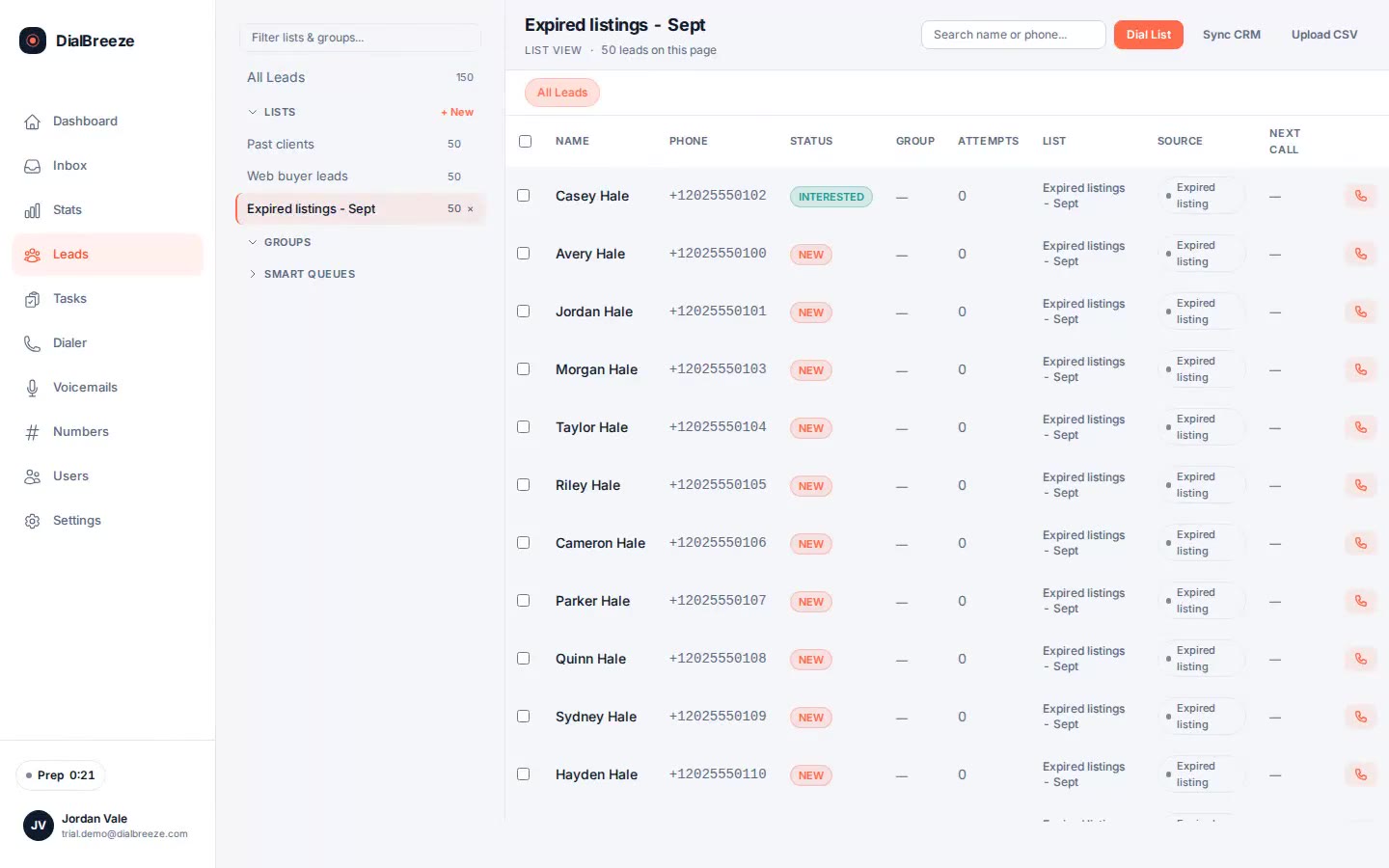
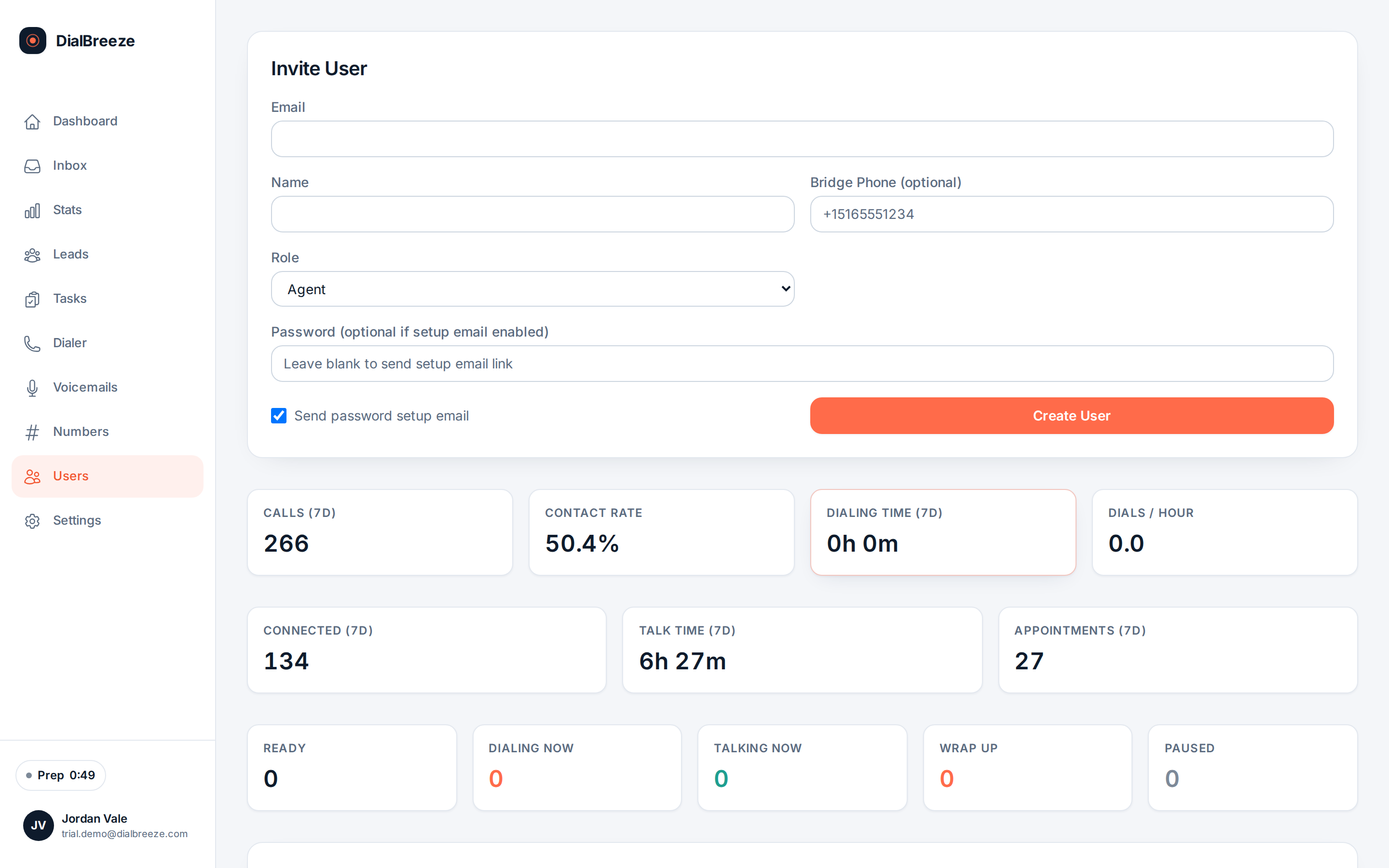
An admin creates each seat, assigns a role of admin, agent or VA, and sets which leads that operator can see. Visibility rules follow the lead into every screen: the sidebar counts, the queues and the tasks. Three roles, honest scoping, and no per-feature pricing games behind any of them.

Real product interface. Sample data, fictional people and numbers.

How it works.

4 steps, in the order they happen during a session.

  1. 1

    Create seats with roles

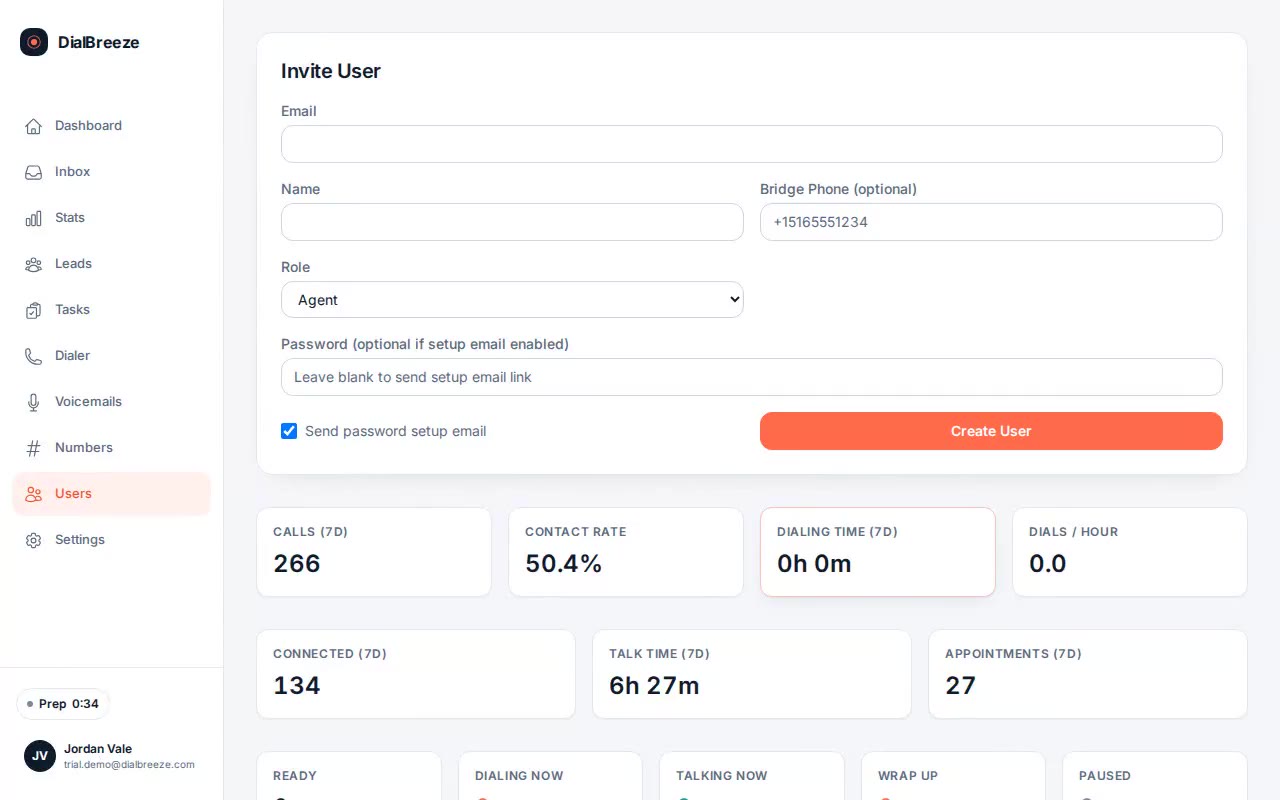
    Admins add users as ADMIN, AGENT or VA, with a password or a setup email the user completes themselves. Seats can be deactivated when someone leaves.

  2. 2

    Scope lead visibility

    Which lists and leads an operator can reach is set per user. The sidebar, the queues and the lead detail all honor the same scope, so counts never promise what access forbids.

  3. 3

    See activity per operator

    Agent activity and performance views show each operator's dials, connects and pace for the window, on the same definitions the admin funnel uses. Compare operators without asking them to self-report.

  4. 4

    Plans by seats

    Solo is one seat, Team is three operator seats, and Studio sizes the operator setup with you at onboarding. Features do not vary between plans.

The specifics.

What the product does today. Included on every plan, from Solo at $49 per seat.

Team page listing operators with roles and activity status
Real product interface, sample data.
Seat roles
Admin, agent and VA, applied across every route and screen.
Seat setup
Admins create users with a password or a self-serve setup email.
Seat deactivation
Users can be deactivated without deleting their call history.
Lead visibility
Lead and list access set per operator; every view honors the same scope.
Plan seats
Solo one seat, Team three seats, Studio sized at onboarding.
Same features
Every role and every plan carries the full calling and after-call toolkit.

Three roles, one toolkit

Seats carry one of three roles: admin, agent or VA. Admins manage users, lists and the team-wide funnel. Agents and VAs dial, disposition and work follow-ups. The VA role exists for support operators who call without owning the shop, and both calling roles appear together in agent pickers.

The distinction is about scope, not features. Every role that dials gets the same dialer, recording access to what they can see, and the after-call layer on those calls. There is no cheaper seat with fewer features, so nobody on the team works a degraded toolkit.

User setup is deliberately boring. An admin creates the account with a password, or sends a setup email the user completes alone, and a seat can be deactivated when someone leaves without losing the call history attached to them.
Visibility that follows the lead

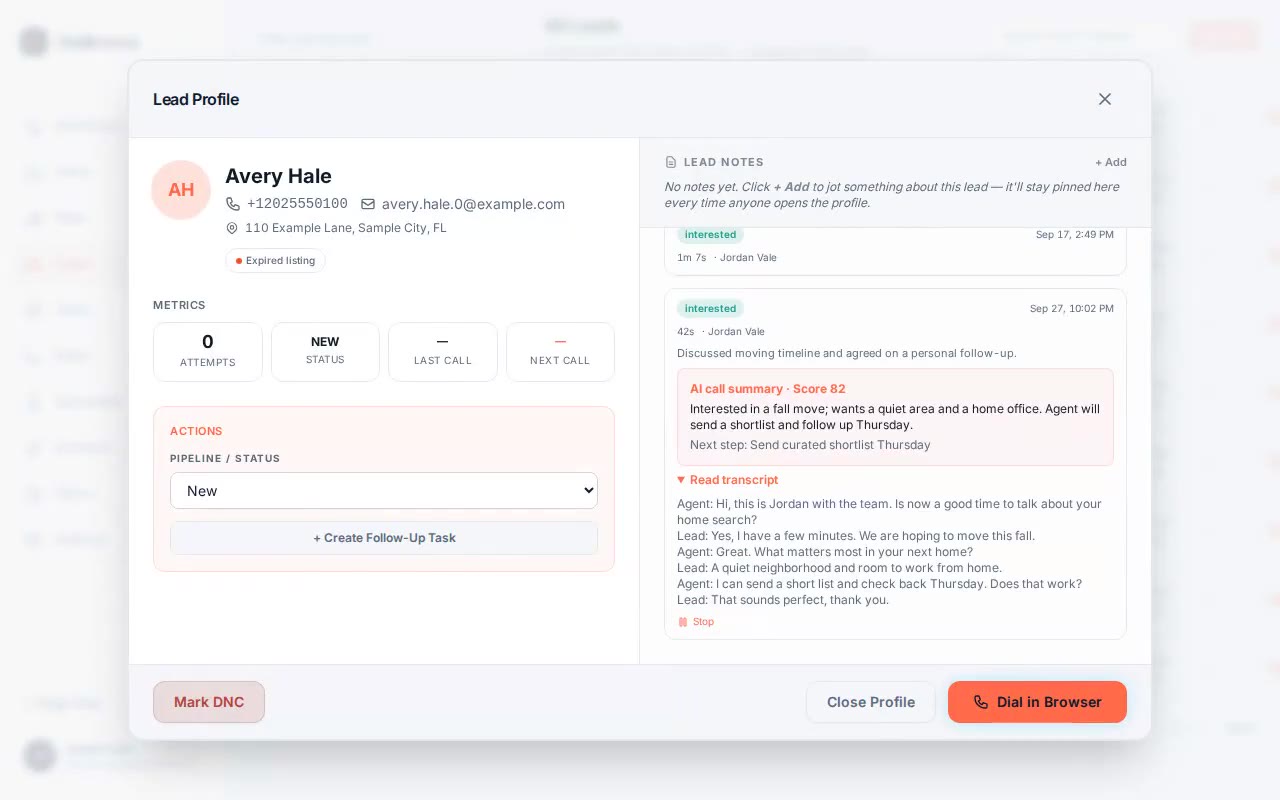
Lead visibility is set per operator, and the scope travels. The sidebar group counts reflect what the signed-in user can access, the session queues only ever contain permitted leads, and a task on a lead respects the same boundary. A covering teammate sees the commitments on leads they can reach, not a leaky mirror of the whole workspace.

Team plans are sized by operators: Solo is one seat at $49 per seat per month, Team is three operator seats at $149 per month, and Studio at $399 per month sizes the operator setup with you at onboarding. Since features do not vary by plan, adding a person adds a person, not a negotiation over modules.

For accountability, the admin funnel shows each operator's dials, connects and pace. Use it to coach on shared definitions, not to run a leaderboard nobody agreed to.

Questions about team management.

Straight answers. Anything else: email support.

What roles can a seat have?
Admin, agent or VA. Admins manage users, lists and see the team funnel; agents and VAs dial and work follow-ups. The split is about scope, not features: every calling role gets the same dialer, recordings for leads they can see, and the after-call AI on those calls. There is no feature-reduced seat tier.
How do I add an operator?
An admin creates the user, assigns the role, and either sets a password or sends a setup email the user completes alone. The seat appears in agent pickers immediately, and lead visibility for that operator is configured on your side. When someone leaves, deactivate the seat; the call history stays attached rather than being deleted.
Can operators see each other's leads?
Only through the visibility you assign. Lead and list access is scoped per operator, and every view honors the same scope: sidebar counts, session queues, lead detail and tasks. If operators share a pond, assign access accordingly. There is no hidden all-leads view behind an agent login.
How many seats do I get?
Solo is one operator seat at $49 per seat per month. Team is three operator seats at $149 per month. Studio is $399 per month with the operator setup sized with you at onboarding for larger floors. Every seat carries the full toolkit, and support depth rises with the plan rather than features.
Can I track how each operator performs?
Yes, as an admin. The team funnel shows each operator's dials, connects and dials per hour over the chosen window, on the same definitions as the totals. Agent logins see their own activity, not the whole team's. Use the numbers to coach; they describe pace and outcomes, not effort or worth.

Try it on a real session.

Your 14-day trial runs on a Telnyx sandbox with test numbers; nothing reaches a real person. A human provisions the environment. The 14 days start when it is ready and we email you. No credit card is required. On conversion, you connect your own Telnyx account and real calling lists.

Start a 14-day trialPricing